Key takeaways
- A complete profile can get up to 7x more clicks than an empty one.
- Primary category choice is the single biggest ranking factor you control.
- Weekly photos and posts signal an active, trustworthy business.
- Every review — and your reply to it — feeds both rankings and trust.
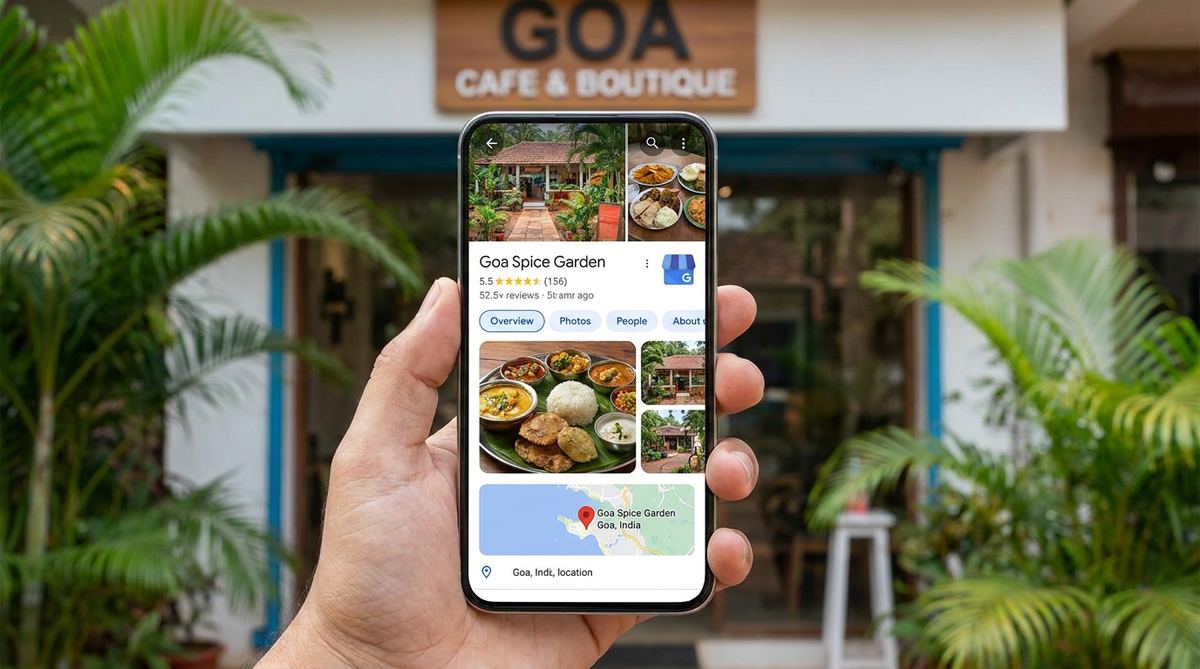
For most Goa businesses, the Google Business Profile (GBP) — the panel that appears on Google Search and Maps — drives more calls and directions than the website itself. And it's completely free.
Yet most profiles are half-finished. This guide walks through every lever, in order of impact, so you can turn your listing into a lead machine.
1 Complete 100% of your profile
Google rewards complete profiles. Fill in every field — most businesses skip half of them and leave clicks on the table.
- Exact business name (no keyword stuffing — it violates guidelines)
- Primary category + all relevant secondary categories
- Full address (or service area for delivery businesses)
- Phone, website, hours, and special/festival hours
- Services, products, and every applicable attribute
2 Choose the right categories
Your primary category is the strongest relevance signal Google has. 'Dentist' vs 'Dental clinic', 'Hotel' vs 'Resort hotel' — the specific, accurate choice wins more of the right searches.
Check what categories your top-ranking competitors use, then pick the most accurate specific primary category for your business and add secondary ones for everything else you offer.
3 Photos and posts that build trust
Profiles with fresh photos get dramatically more calls and direction requests. Treat GBP like a mini social feed.
- Add exterior, interior, team, and product/service photos
- Post weekly updates: offers, events, news
- Use real photos — stock imagery underperforms
4 Reviews and replies
Reviews influence both ranking and whether someone picks you. Just as important: reply to every review — good and bad. Thoughtful replies show you care and add keyword-rich, fresh content to your profile.
- Ask happy customers with a direct review link or QR code
- Reply within 24–48 hours, always politely
- Address negative reviews calmly and offer to make it right
5 Own the Q&A and messaging
The Q&A section is public and anyone can answer — so seed it yourself with the questions customers actually ask (parking, veg options, timings) and answer them clearly. Enable messaging so enquiries reach you instantly.
An optimised Google Business Profile is the highest-ROI hour you'll spend on marketing this month.
? Frequently asked questions
Is Google Business Profile really free?
How often should I post on Google Business Profile?
Can I put keywords in my business name on GBP?
Should I reply to negative reviews?
Free Google Business Profile audit
We'll review your profile against your top Goa competitors and send you a prioritised checklist of what to fix first.